
May 12, 2026
Release Pre-Flight Checklist Before Uploading to a Distributor
Before uploading a track to a distributor, a release pre-flight check can catch clicks, hard cuts, true peak risk, mono issues, codec problems and basic release package mistakes.
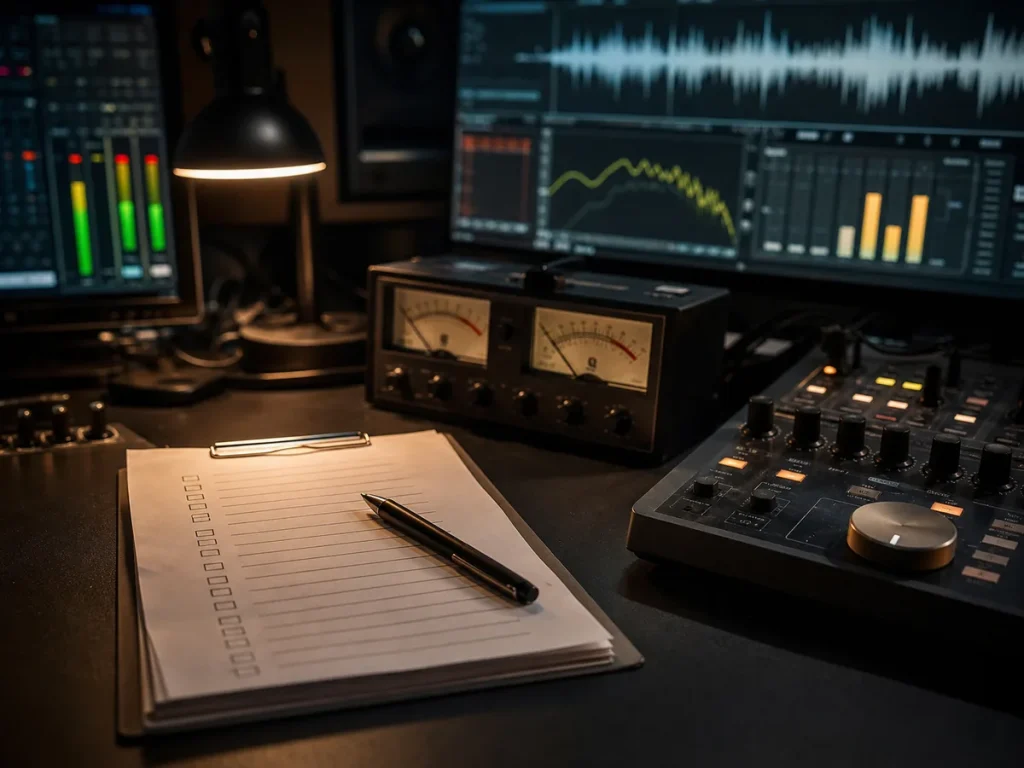
A simple release QC pass before your track leaves your hands.
Uploading a release should not feel like throwing a file into the ocean and praying the distributor likes it.
Before a track goes to Spotify, Apple Music, YouTube Music, Tidal or anywhere else, it deserves one final practical check. Not a creative rewrite. Not a full mix rescue. Just a focused pre-flight pass to catch problems that can make a release feel unfinished, technically risky or simply careless.
A release pre-flight check is not legal advice. It will not tell you who owns the song, whether a sample is cleared or whether your artwork accidentally borrowed too much from someone’s album cover. That part is on the rights side.
But it can catch the kind of audio and package problems that make a release look or sound unprofessional before it even reaches listeners.
And that matters.
Because once the track is uploaded, the stress changes. Suddenly you are not fixing a file. You are waiting on approval, wondering why something sounds wrong, or explaining to yourself why the hi-hat now feels like it is drilling into your skull on AirPods.
Lovely little hobby, music.
What is a release pre-flight check?
A release pre-flight check is the last technical and practical review before upload.
It is a final pass over the audio file, artwork, metadata and basic release package. The goal is simple: reduce avoidable problems before the track leaves your hands.
This does not replace mixing or mastering. It does not turn a bad mix into a finished record. It does not magically fix a damaged AI render.
It is more like the final check before takeoff.
Is the file clean?
Does it clip?
Are there clicks or bad cuts?
Does the ending feel finished?
Does the artwork meet basic platform requirements?
Do the title, artist name and filenames make sense?
Will the track behave normally after streaming compression?
That kind of check can save a lot of pain.
Why this matters before uploading
Most release problems are not dramatic. They are small, boring and very annoying.
A click at the start.
A chopped reverb tail.
A true peak issue.
A file exported with the wrong name.
Artwork in the wrong size.
An explicit version not marked properly.
A master that sounds fine in WAV but gets ugly after codec conversion.
None of these problems feels exciting while you are preparing the release. But after upload, they become stupid little fires.
A pre-flight check is there to catch those fires before you start calling them “artistic choices”.
Check the audio
The audio file is the heart of the release package.
Before upload, the final master should be checked as a real-world listening file, not just as something that looks fine inside a DAW.
The most important areas are usually:
- clicks and pops
- hard cuts
- bad fade tails
- true peak risk
- mono compatibility
- codec behavior
- start and end silence
- obvious distortion
- weird loudness jumps
- playback translation
This is where many independent releases lose quality. Not because the artist is lazy, but because the final check gets rushed.
After days or weeks of working on a song, your ears become too friendly with the problems. You stop hearing the click. You forgive the ugly fade. You assume the low end is fine because it felt fine yesterday at 2 AM.
That is why a separate QC pass helps.
Clicks and pops
Clicks and pops can appear for many reasons: bad edits, cut waveforms, plugin artifacts, AI stem issues, bad fades or rushed exports.
The problem is that small clicks often become more obvious after mastering or codec conversion. A tiny click in the WAV can feel much uglier once the track is streamed or played on headphones.
A pre-flight check should listen for unwanted noises at:
- the start of the track
- edit points
- section changes
- vocal cuts
- drum transitions
- the final fade
- reverb and delay tails
Some clicks are easy to fix. Some need deeper repair. Some point to a bigger export or source problem.
The important thing is simple: do not upload a track with accidental noises just because you got tired near the finish line.
Hard cuts and bad tails
A bad ending can make a good track feel unfinished.
This happens a lot with AI-generated music, rough bounces and rushed edits. The song sounds fine, then the reverb tail disappears too quickly. Or the last word cuts off strangely. Or the beat stops like somebody pulled the plug out of the wall.
That kind of ending makes the whole release feel cheaper.
A proper pre-flight check should listen to the start and end of the track carefully. Not while checking emails. Not while scrolling. Actually listening.
The ending should feel intentional.
It can be short. It can be abrupt if the song needs that. But it should not feel like the export simply gave up.
True peak risk
A master can look fine and still cause problems after conversion.
True peak issues happen when the audio may exceed safe levels during playback or codec conversion, even if the file does not look obviously clipped in a basic meter.
This matters because streaming platforms convert audio. Your clean WAV does not stay exactly the same forever. If the master is pushed too hard, the converted version can become harsher, more distorted or more fatiguing.
A pre-flight check should look for technical risk, not just loudness.
Loud is easy. Clean and loud is harder. Clean, musical and stable is where the adult work begins.
Mono compatibility
Mono is not dead. It is just hiding in phones, clubs, Bluetooth speakers, social media playback and random real-life systems that do not care about your beautiful stereo fantasy.
A track can sound wide and exciting in headphones, then lose power in mono.
This is especially common with:
- over-wide synths
- stereo bass
- AI-generated width
- phasey backing vocals
- wide reverbs
- stereo widening plugins
- poorly separated stems
A pre-flight check should make sure the important parts of the track still survive in mono.
The whole mix does not need to sound identical in mono. But the vocal, kick, bass and main musical idea should not vanish like they owe money.
Codec behavior
This one is easy to ignore and painful to discover later.
A track may sound good as a WAV but react badly when converted to compressed formats. Harsh highs, splashy cymbals, brittle vocals, smeared transients and distorted loud sections can become more obvious after codec conversion.
This does not mean you should master for one platform only. But you should know how the track behaves when it leaves the perfect WAV bubble.
A release pre-flight check can catch obvious codec problems before the file is uploaded.
This is especially important for AI-assisted music, because AI renders often already contain smeared high end, fake width or strange vocal texture. Codec conversion can make those flaws stand up and wave at the listener.
Very polite of them. Very annoying.
Check the release package
The audio is not the only thing that can cause trouble.
A release package should also be checked for basic consistency.
That includes:
- filename clarity
- artist name spelling
- track title spelling
- version names
- artwork dimensions
- artwork format
- explicit content marking
- metadata consistency
- distributor notes
- release date details
- credits where applicable
This is not glamorous work. Nobody starts a music career dreaming about metadata consistency.
But it matters.
A good song can still look amateur if the package is messy. Wrong spelling, unclear versions, mismatched titles and badly prepared artwork make the release feel less trustworthy before anyone presses play.
Filenames and versions
File names should be boring in the best possible way.
A distributor does not need a file called:
final_master_REAL_FINAL_v7_louder_fixed2.wav
That file name belongs in a museum of human suffering.
Clear naming helps prevent mistakes, especially when there are multiple versions. For example:
- clean version
- explicit version
- instrumental
- radio edit
- extended mix
- remastered version
The file name should make it obvious what is being uploaded.
This is not only about neatness. It is about avoiding the nightmare of uploading the wrong master because every file in the folder looked like a cry for help.
Artwork basics
Artwork should be checked before upload, not after the distributor complains.
At minimum, the artwork should match the platform requirements for size, format and content. It should not be blurry, stretched, full of accidental borders or exported in some cursed low-quality version from a messaging app.
Also, artwork should match the release.
That sounds obvious, but many releases feel disconnected because the track, title and cover look like three strangers waiting for different buses.
A pre-flight check cannot replace full visual branding, but it can catch the obvious problems.
Explicit tags and metadata
If the track contains explicit lyrics, the release should be marked properly.
If there are different versions, the naming should be consistent. If the artist name appears in multiple places, it should be spelled the same way. If the track title has punctuation, capitalization or special characters, those should be intentional.
Metadata mistakes are boring until they become public.
Then they become very boring and public.
A simple check here can save unnecessary edits, delays or re-submissions.
AI-assisted releases need extra attention
AI-assisted and AI-generated music can create extra release-prep problems.
The audio may have artifacts. The stems may be messy. The vocal may sound fine at first and strange after repeated listening. The stereo image may be unstable. The file may feel mastered, but still have technical issues hiding inside it.
That does not mean AI-assisted music cannot be released.
It means it should be checked properly.
A release pre-flight pass is especially useful when the track started from:
- AI-generated audio
- AI-separated stems
- hybrid production
- remastered AI stems
- a rough generator export
- a producer workflow without a full traditional session
In these cases, the final check should not only ask “is it loud enough?”
It should ask:
Does it survive real listening?
That is the better question.
What a pre-flight check does not do
This part matters.
A release pre-flight check is not a full mix.
It is not full mastering.
It is not legal clearance.
It is not a copyright investigation.
It is not a magic AI repair service.
It is not a songwriting rescue mission.
If the track needs mixing, it needs mixing.
If the master is too damaged, it may need remastering.
If the AI vocal is broken, it may need deeper repair or regeneration.
If the arrangement is weak, QC will not suddenly make the chorus interesting.
A pre-flight check catches problems before release. It does not replace the work that should have happened earlier.
That honesty is important.
Otherwise QC becomes another fake “fix everything” promise, and the music world already has enough shiny nonsense wearing headphones.
When a professional check makes sense
A DIY check is better than no check.
But a professional pre-flight check makes sense when:
- the release matters
- you are sending music to distributors
- the track was made with AI-assisted tools
- you are unsure about loudness or clipping
- you hear something wrong but cannot locate it
- you want a second pair of ears before upload
- you are preparing a single, EP or album
- you want to avoid obvious release mistakes
The value is not only in finding problems.
The value is in knowing which problems actually matter.
Some tiny issues are harmless. Some small issues are warning signs. Some things sound scary on a meter but are not the real problem. Some things look fine and still sound bad.
That judgement comes from experience.
Final advice
Do not wait until the upload window to start checking the release.
By then, you are tired, impatient and emotionally attached to the file. That is exactly when mistakes slip through.
A release pre-flight check is a simple final safety pass before the track leaves your hands. It helps catch clicks, hard cuts, bad fades, true peak risk, mono problems, codec issues and basic package mistakes.
It will not replace mixing, mastering, legal review or proper production work.
But it can stop a finished release from feeling unfinished.
At Unsaid Records, Release Pre-Flight QC is designed for independent artists, producers, labels and hybrid creators who want a practical final check before uploading to a distributor. It can be used on its own or bundled with mastering, stem mastering or AI stems remastering when the track needs more than a simple inspection.
No drama. No fake panic. Just a final pair of experienced ears before the file goes out into the world.